Overview
Each member has one conversation with your studio. Anyone on your team can read it and reply. Members write to you from the portal or the TrainerLane Coach app, and new messages arrive without refreshing the page.
Your inbox
Go to Clients → Messages. Conversations are listed with the newest first, showing the last message and who sent it. Use the chips to show only Unread conversations or those Awaiting reply, and the search box to find a member.
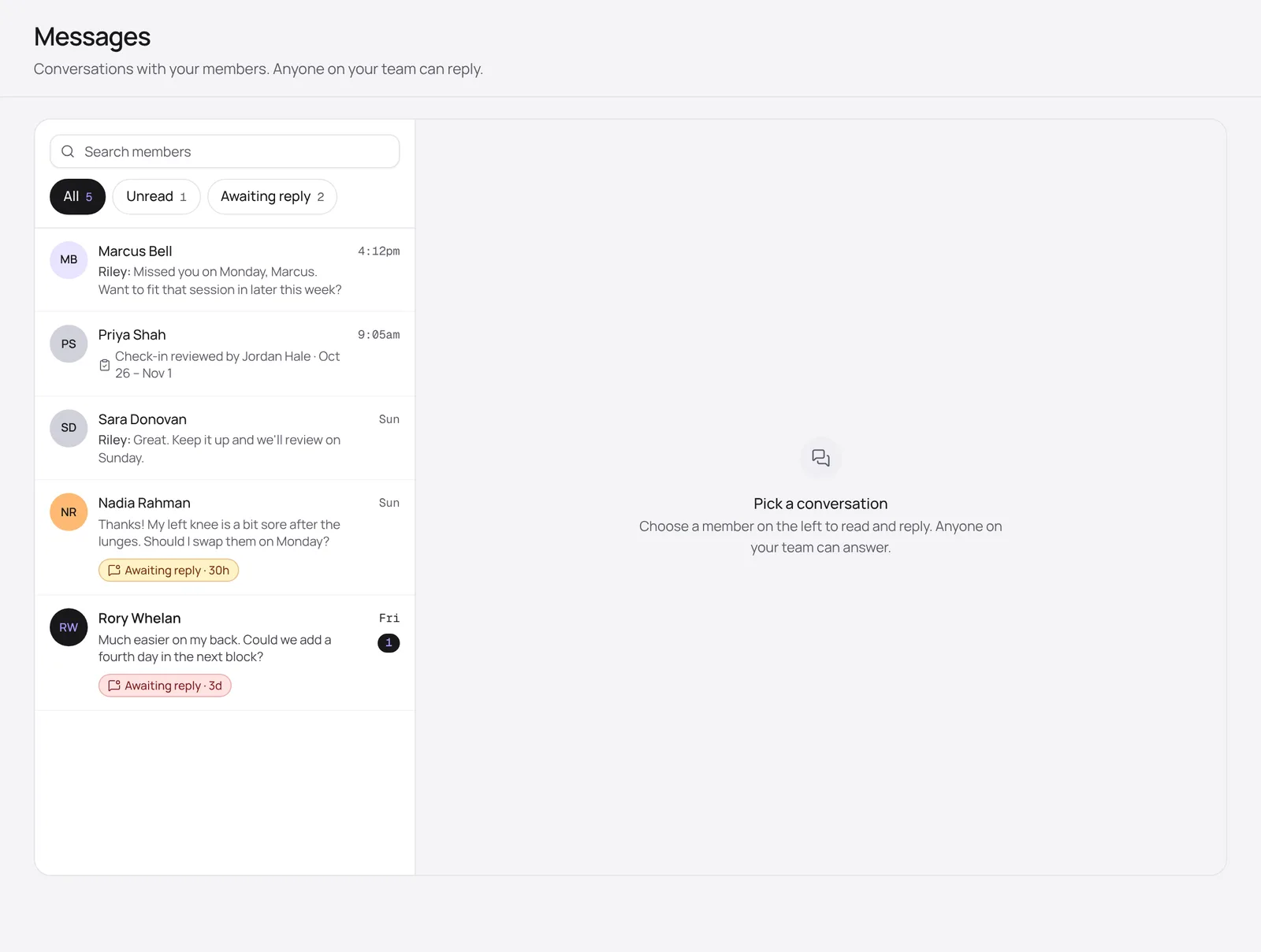
An Awaiting reply badge shows how long a member has been waiting. It changes colour the longer they wait, and the member also appears in Needs attention until someone answers.
Reply to a member
- Click a conversation to open it.
- Type your reply. Press Enter to send, or Shift + Enter for a new line.
- Use the photo button to attach up to four photos.
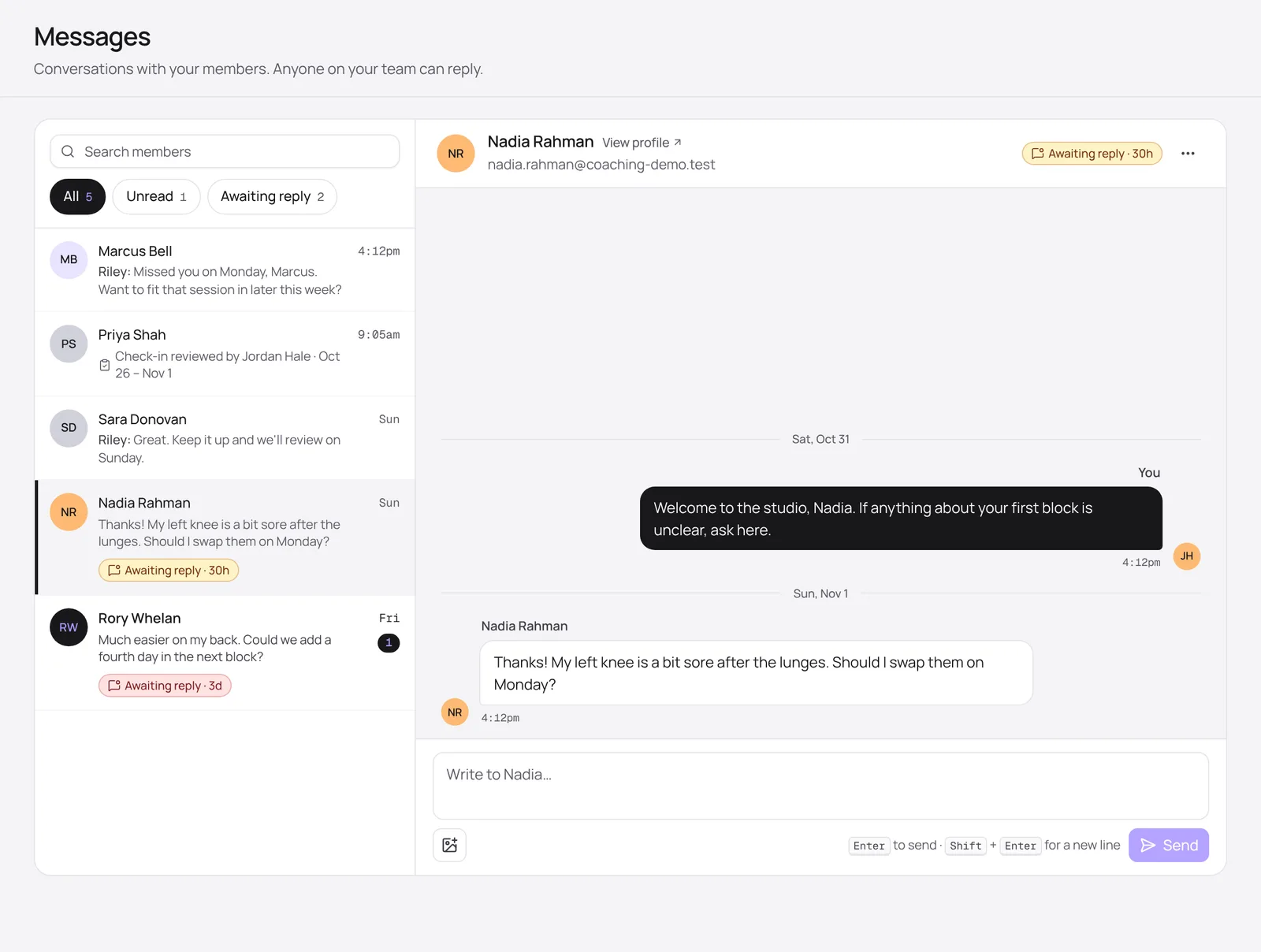
- View profile opens the member’s profile.
- The ⋯ menu opens the member’s logs or check-ins, or copies a link to the conversation to share with your team.
Messaging from elsewhere
You don’t have to go to the inbox to start a conversation. Click Message on a member’s profile, Reply in messages on a check-in, or Continue in messages on a logged session. The message carries a link back to the check-in or session you were looking at.