
Build your own app on TrainerLane.
Your programs, nutrition, members and payments, ready for your own app, your own code or your AI assistant. Start with no code at all, and go as far as you like.
- No code
Use TrainerLane Coach
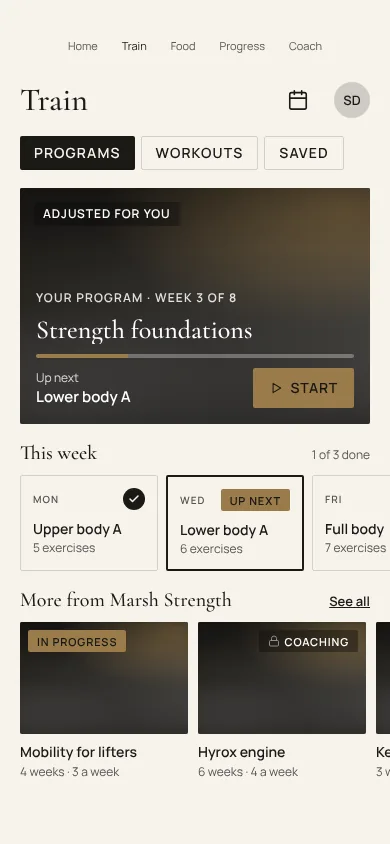
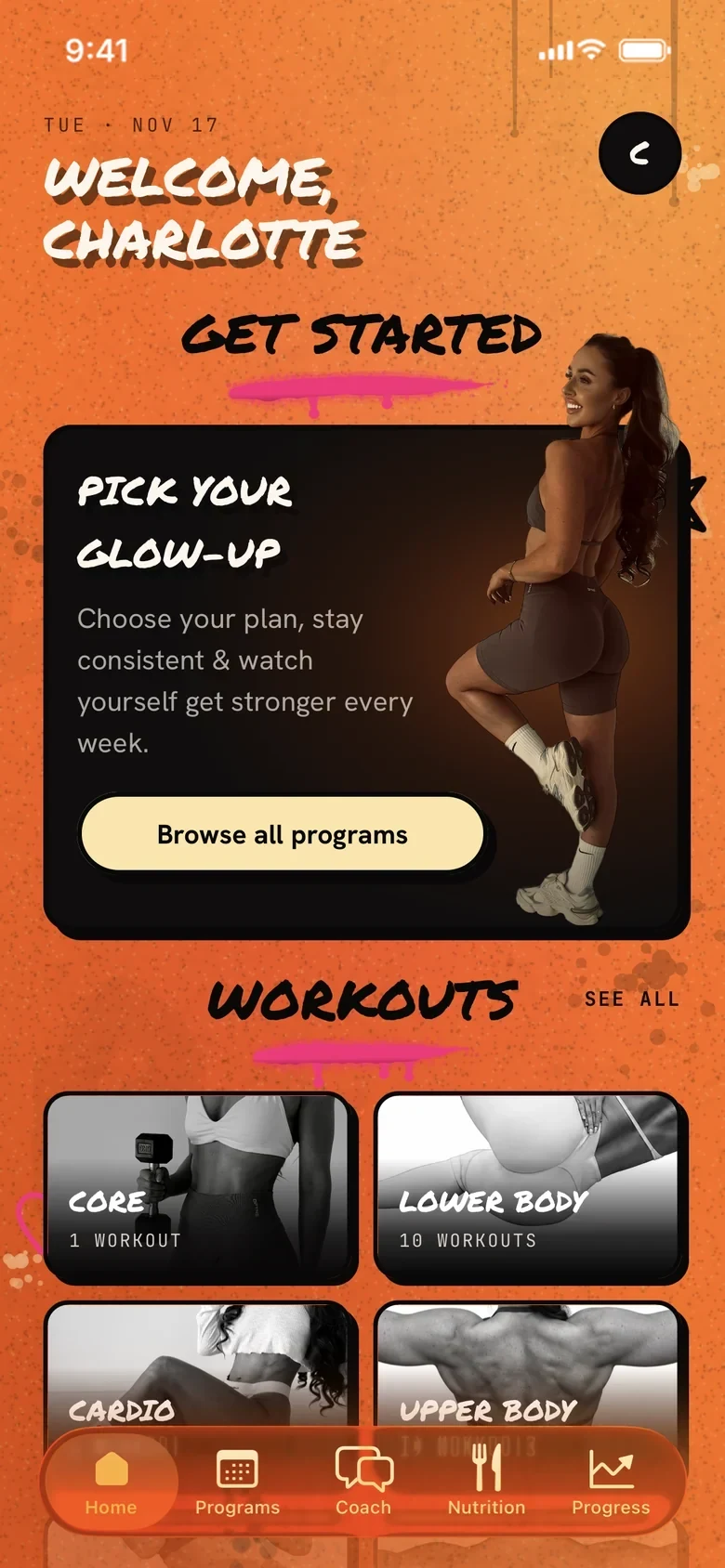
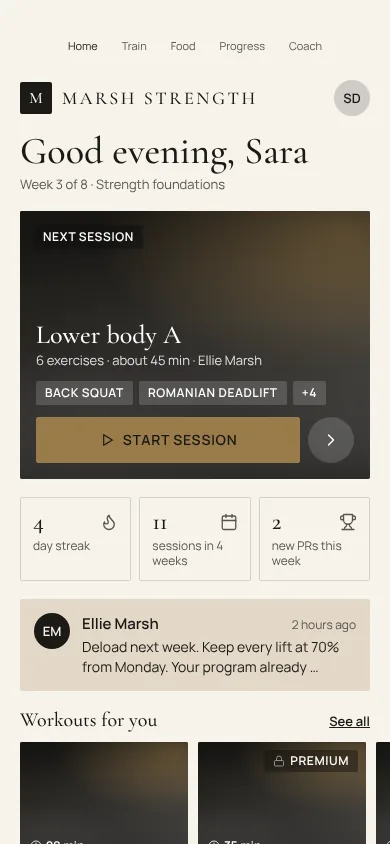
The member app for iPhone and Android, in your studio's name, logo and colours. Included on every plan, with nothing to build.
How Coach works - Your own app
Build with the SDK
Write your own web or mobile app for your members on top of your TrainerLane programs, nutrition, video, check-ins and payments.
Start building - Your AI assistant
Connect over MCP
Plug your studio into Claude, Codex or any MCP client. Ask about your members and draft programs, workouts and recipes in chat.
Connect an assistant
Your own app, without building one.
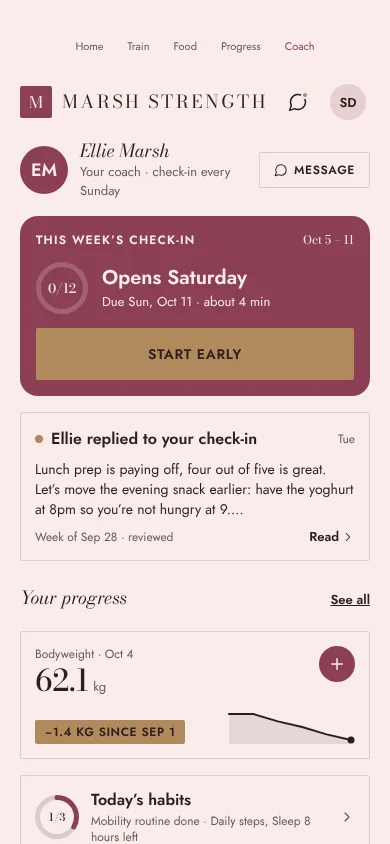
TrainerLane Coach is the member app for iPhone and Android. It opens on your studio, in your name, logo and colours, and it's included on every plan. Most studios never need more.
Your studio's content and members, in code you own.
The TypeScript SDK talks to your studio from any web or mobile app. Members sign in to your app, and see the programs and plans their subscription includes.
@trainerlane/sdk works in any JavaScript runtime with fetch, using the browser's storage or an adapter you provide. @trainerlane/react adds hooks on TanStack Query and a video player.
npm install @trainerlane/sdk @orpc/client
# React apps: hooks and a video player
npm install @trainerlane/react @tanstack/react-query @mux/mux-player-reactimport { createTrainerLaneClient } from "@trainerlane/sdk";
// Publishable: it's safe in your bundle. From App → Developer.
const trainerlane = createTrainerLaneClient({ clientId: "fk_app_…" });
// Your own sign-in screen calls this.
const result = await trainerlane.auth.signIn({ email, password });
if (result.kind === "two_factor_required") {
// Ask for their code before going on.
await trainerlane.auth.verifyTotp({ challenge: result.challenge, code });
}
// Your studio's workouts. Premium ones unlock with the member's plan.
const { data: workouts } = await trainerlane.workouts.list({ limit: 20 });
// Log a set against one of them.
const { data: log } = await trainerlane.sessionLogs.create({ workoutId });
await trainerlane.sessionLogs.addSet({ id: log.id, exerciseId, setNumber: 1, reps: 8 });Members sign in to your app
Email and password, two-factor, password reset and email verification, on your own screens.
Training and progress
Programs, workouts and exercises. Members log sessions and sets, and you read back streaks, PRs, body metrics and photos.
Nutrition and coaching
Recipes, meal plans and food logs, plus weekly check-ins, habits, goals and the health questionnaire.
Protected video
Exercise and workout videos play from signed URLs. React apps get a drop-in player component.
Messages, live
Members message you from your app, with live updates as replies arrive.
Subscriptions
Send members to Stripe Checkout and the billing portal for your plans, then back into your app.
Set up your app in the dashboard.
- 1
Create a developer app
In your dashboard, go to App → Developer and choose Create app. The first time, the studio owner accepts the Developer Terms. You get a client ID straight away, and it's publishable, so it can ship in your app's code.
- 2
List where your app runs
Add your website's origins, such as https://app.example.com. Browsers refuse requests from anywhere else. To test locally, add http://localhost with your dev port, such as http://localhost:3000.
- 3
Turn on native apps if you need them
Building for iPhone or Android, with React Native or Expo say? Turn on Allow native apps, and add your app's own scheme (myapp://) so Stripe can send members back to it.
- 4
Ship, and stay in control
Member sign-ins belong to your app and only work with your client ID. Revoke or delete the app at any time and everyone signed in to it is signed out at once.
Bring your studio into Claude and Codex.
TrainerLane is a remote MCP server. Connect it to the AI assistant you already use, and it can look things up in your studio and draft content for you, as you.
https://www.trainerlane.com/api/mcpConnect in three steps
- 1
Add the server
In Claude, add a custom connector. In Codex or another MCP client, add a remote MCP server. Use the URL below.
- 2
Sign in and approve
Your assistant opens TrainerLane. Sign in with your trainer account, check which studio it's for, and approve.
- 3
Ask
Your assistant can now read, draft and update your studio, with your permissions.
What it can do
- Read your studio
Members, their progress and session logs, your notes, programs, workouts, exercises, recipes and meal plans.
- Coach members
Add and remove notes, and enrol members on programs or take them off.
- Build content
Create and edit programs, workouts, exercises, recipes and meal plans. New content starts as a draft and goes live only when you ask.
Try asking
- “Which of my members are at risk of dropping off?”
- “Draft a 4-week strength block for beginners, three days a week.”
- “Add this overnight oats recipe to my library, with its macros.”
You stay in charge
- You approve every connection on a TrainerLane consent screen, and see what it can do first.
- Each connection is tied to one studio, and your team role still applies.
- Your studio's settings, brand and payments stay out of reach of outside assistants.
- Access tokens last an hour and renew while the app stays connected. If you leave a studio, its connections stop working.
Docs and packages.
@trainerlane/sdk on npm
The TypeScript SDK for any JavaScript runtime, with its README and quickstart.
(opens in a new tab)@trainerlane/react on npm
React hooks on TanStack Query, and the video player component.
(opens in a new tab)API reference
Every REST endpoint, from the OpenAPI document.
Developer apps guide
Setting up client IDs, allowed origins and native apps, step by step.
Developer questions.
Everything you need to run your coaching business.
14 days free, no card needed. From £29 a month after that.