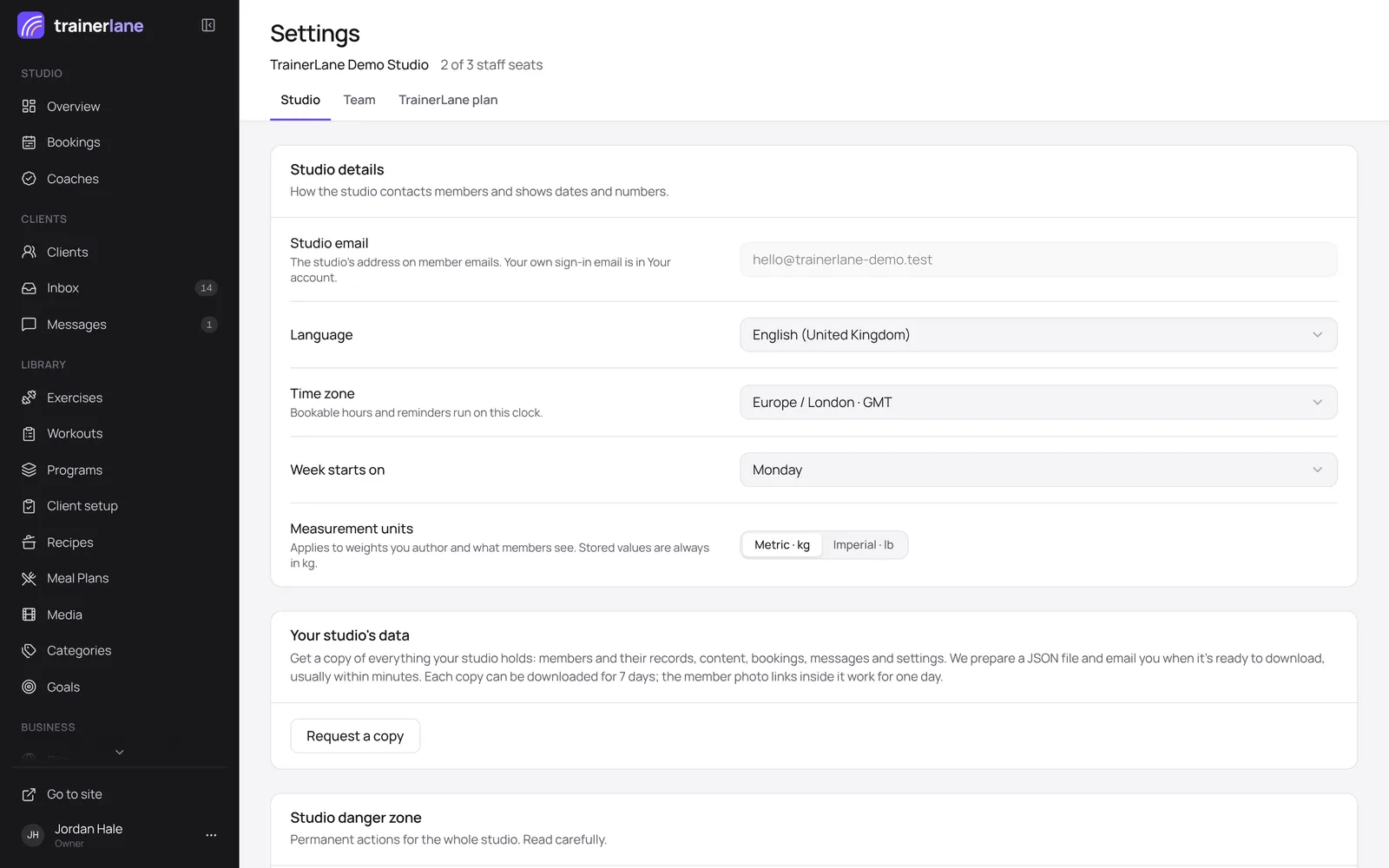
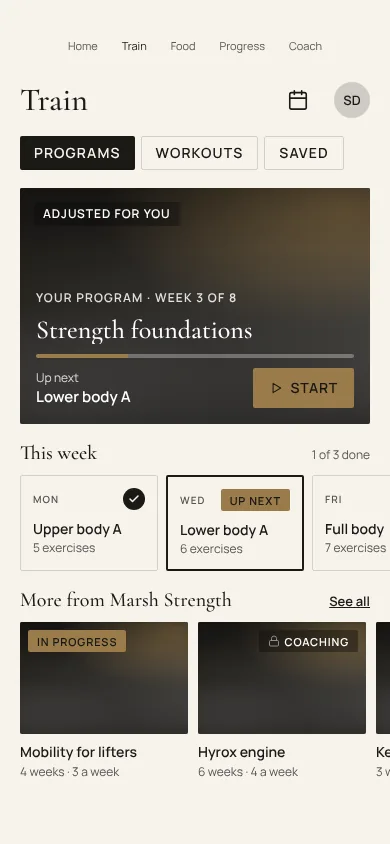
 Personal trainersFill your diary and keep clients training between sessions.Typical plan: Starter
- Online coachesYour site, your app and subscriptions at your price.Typical plan: Starter or Growth
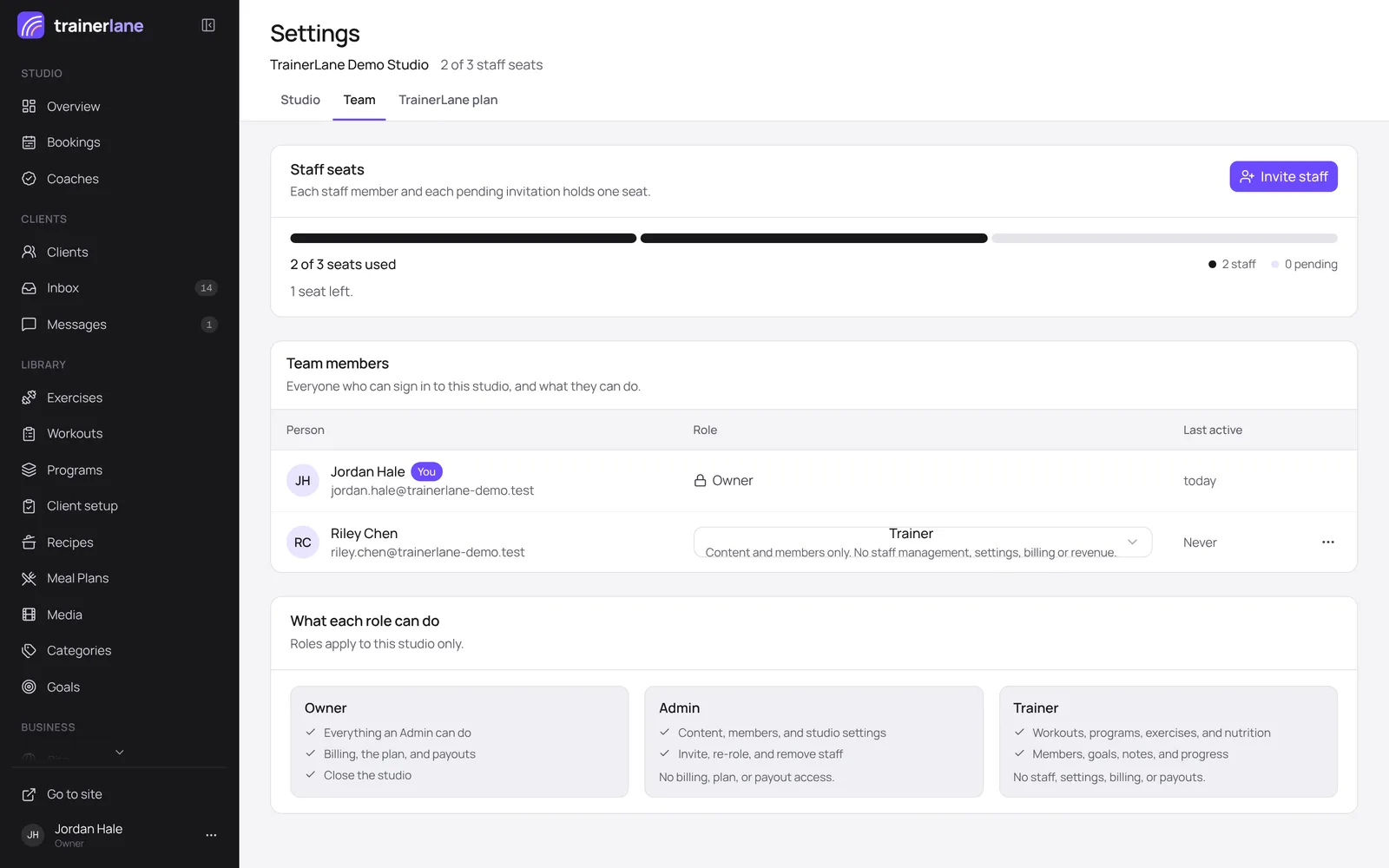
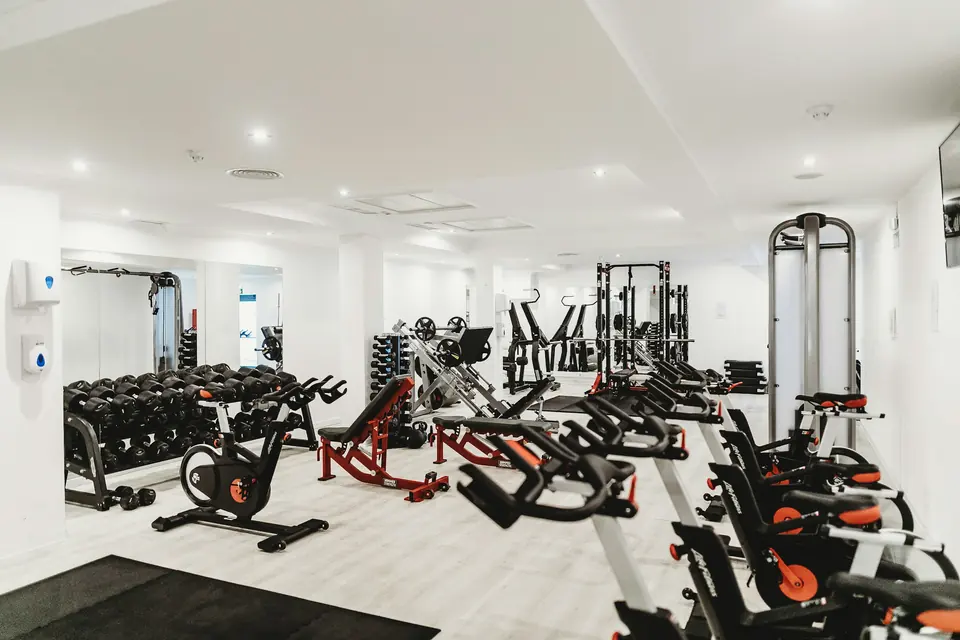 PT studios and gymsMemberships, classes, staff and a member app, off paper.Typical plan: Growth or Scale
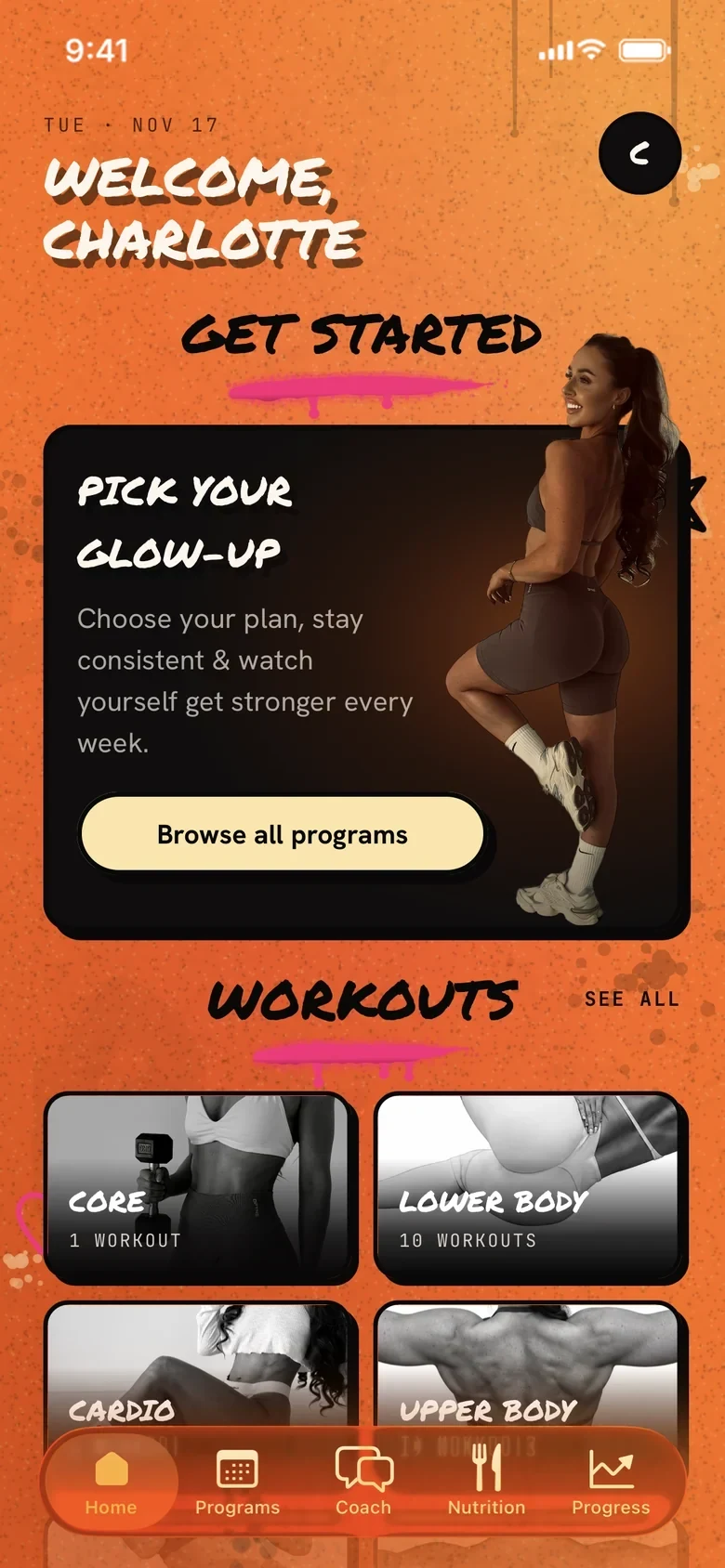
- Custom DevelopmentA bespoke white-label app, built by our team to your designs.Subscription from £1,000/month
Not sure which fits? Compare plansMoving from another app or spreadsheets? Read the switching guide