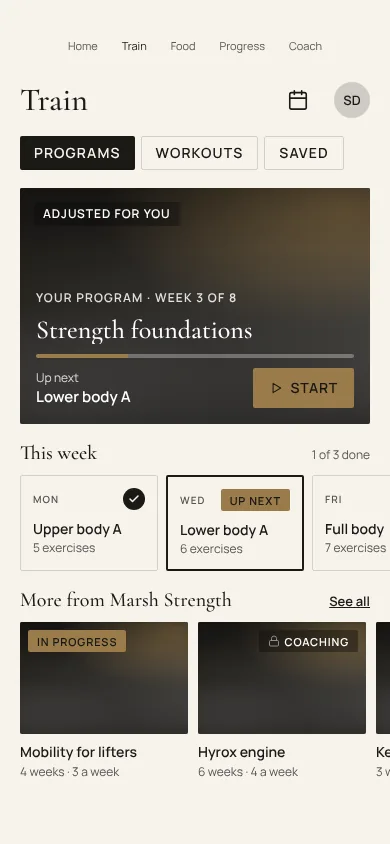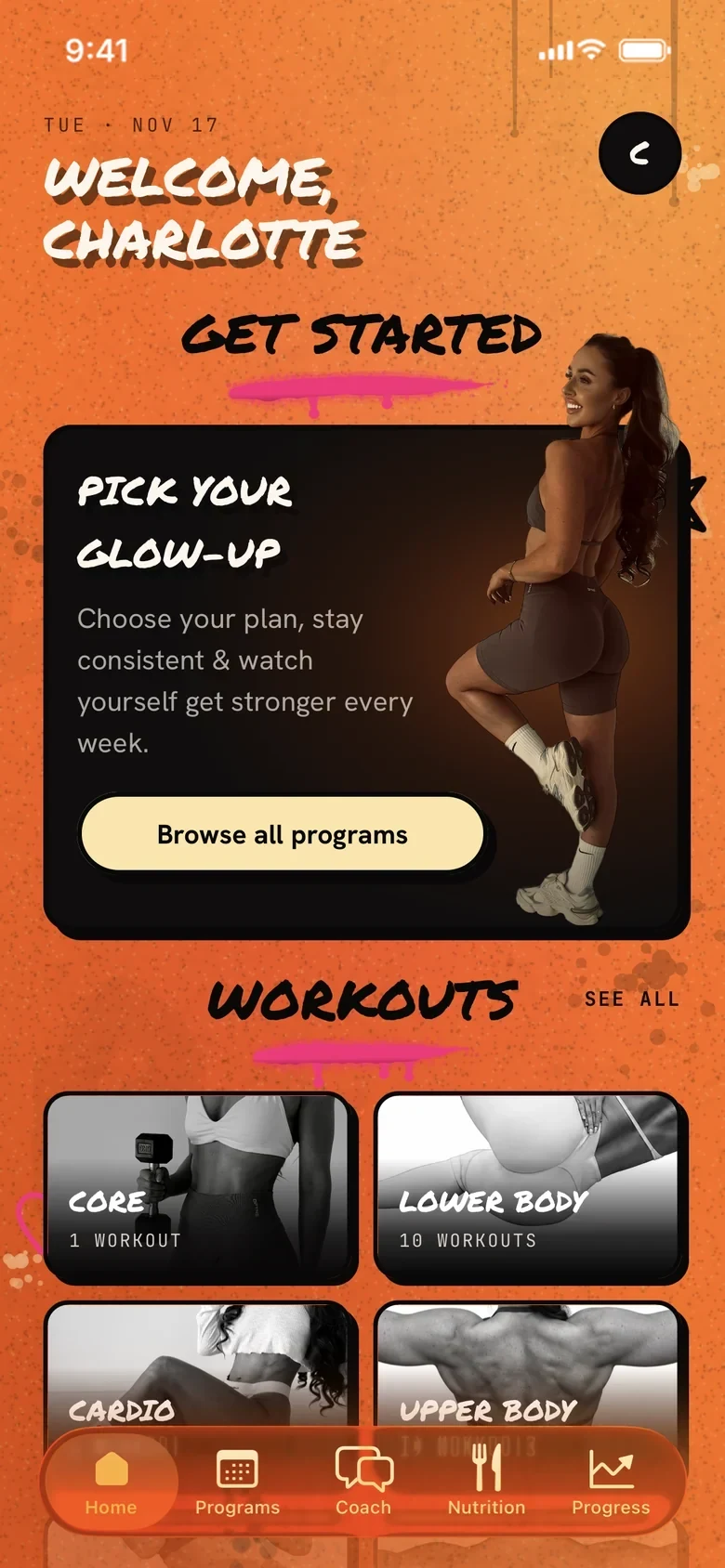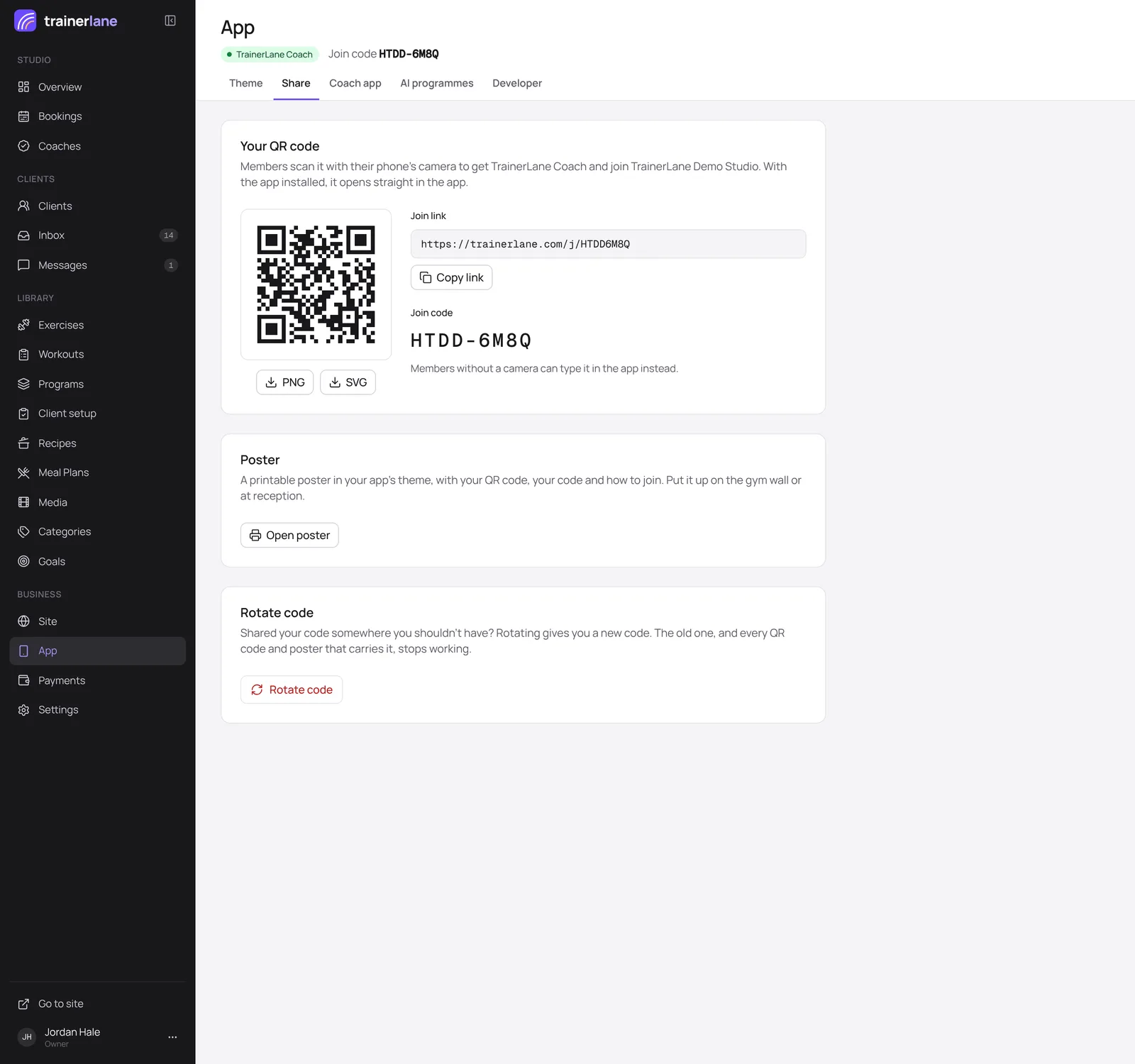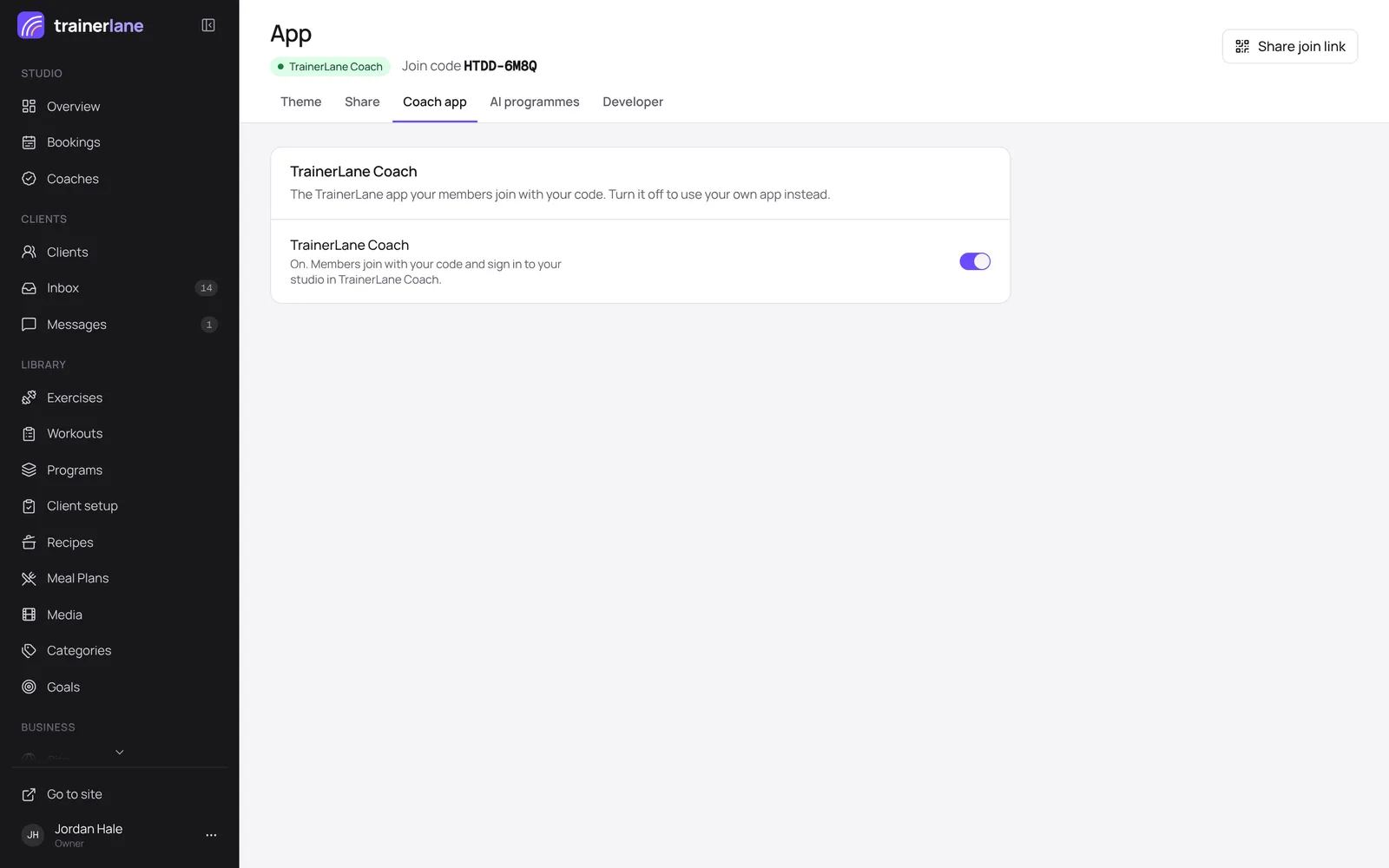
Your members train in TrainerLane Coach, our app for iPhone and Android. They join your studio in it with your join code. Everything about the app is under App, in the Business part of the sidebar. Its header shows your join code, and Share join link takes you to the Share tab from anywhere in App.
App › Share has everything a member needs to join:

Shared your code somewhere you shouldn’t have? Click Rotate code on the Share tab and confirm. You get a new code straight away, and the old one stops working, along with every QR code, poster and link that carries it. Members who already joined stay joined. Reprint your poster and share the new link with anyone still to join.
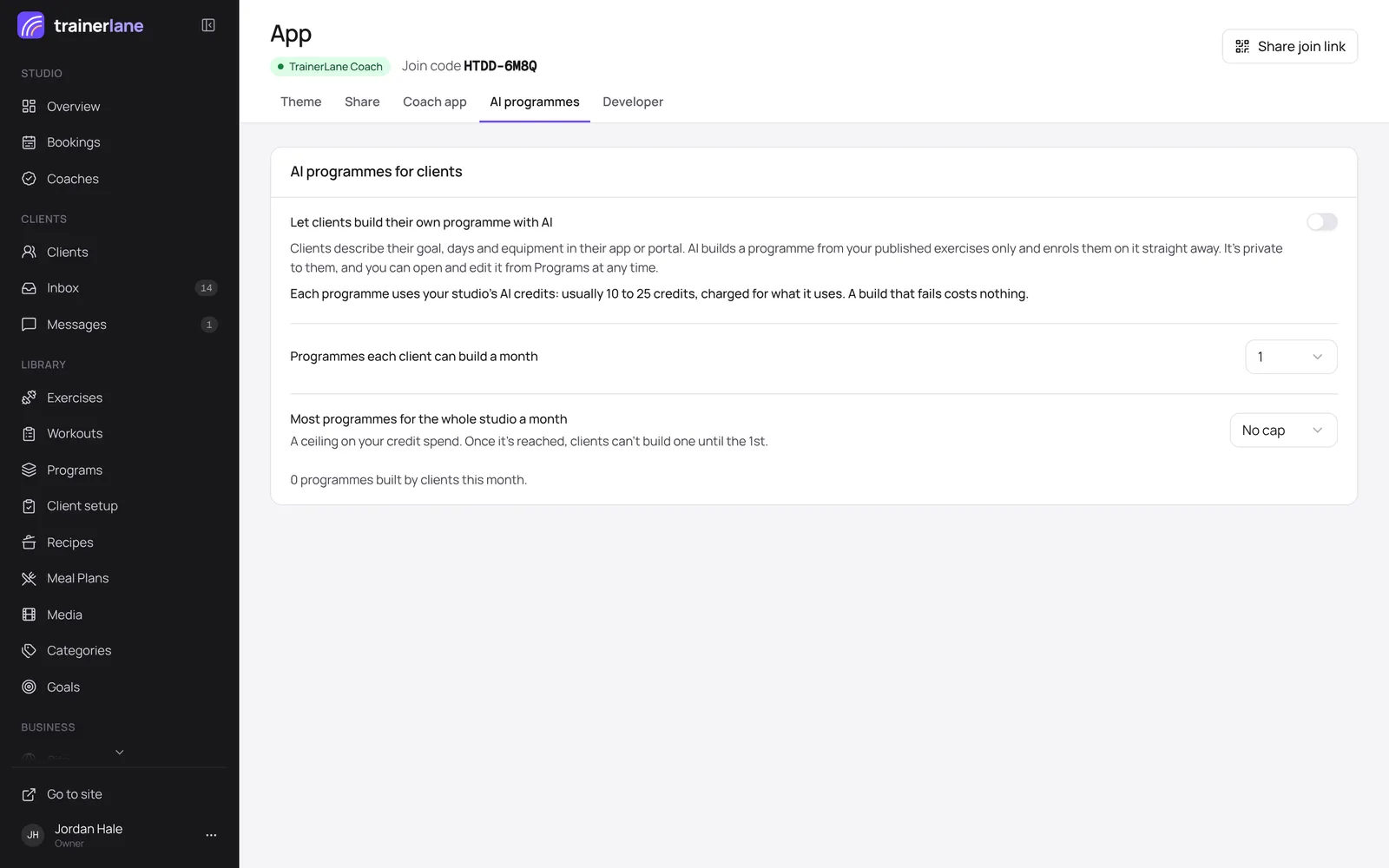
On App › AI programmes, turn on Let clients build their own programme with AI. Changes here save straight away. Clients describe their goal, days and equipment in the app or portal, and AI builds them a programme from your published exercises only. They’re enrolled on it straight away, it’s private to them, and you can open and edit it from Programs at any time.

If your plan doesn’t include the AI assistant, the tab says so and clients can’t build one.
If you’ve built your own members’ app on the TrainerLane SDK, you can turn TrainerLane Coach off for your studio on App › Coach app. Only the studio Owner can.